curl -fsSL https://install.julialang.org | shInstalling Julia


Getting Started
To be able to use TRU-OLS for unmixing spectral flow cytometry data, we will need to install the Julia programming language on our computer.
First, we will navigate to the Julia homepage
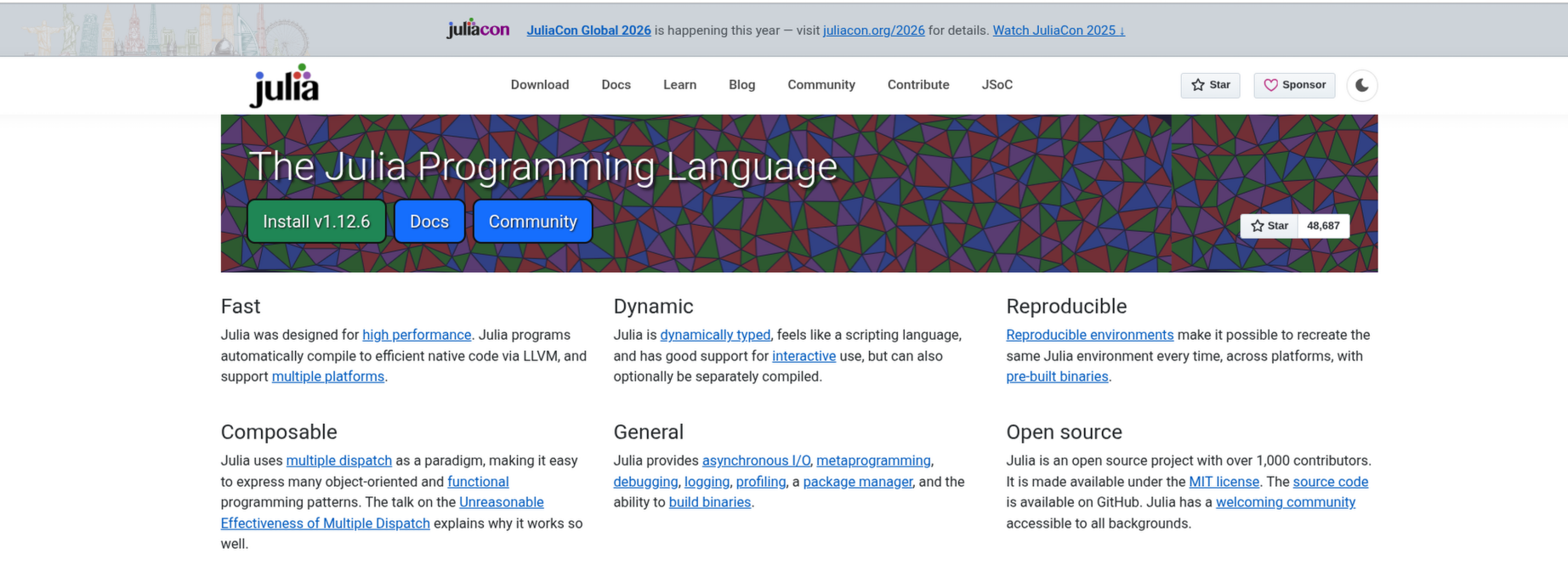
The installation instructions will then vary a bit depending on whether your computer is running a Windows, MacOS or Linuxoperating system.
Windows
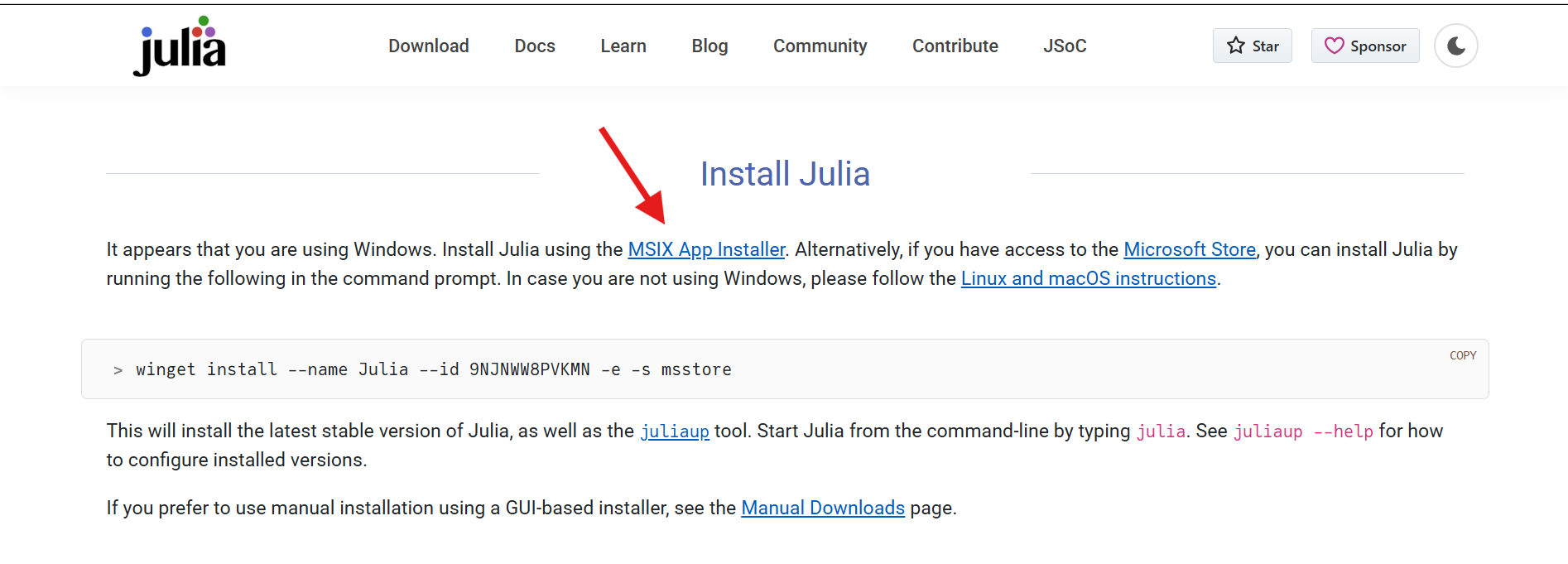
When using a Microsoft operating system, the Julia website will route you to this webpage, with instructions on how to download the installer.
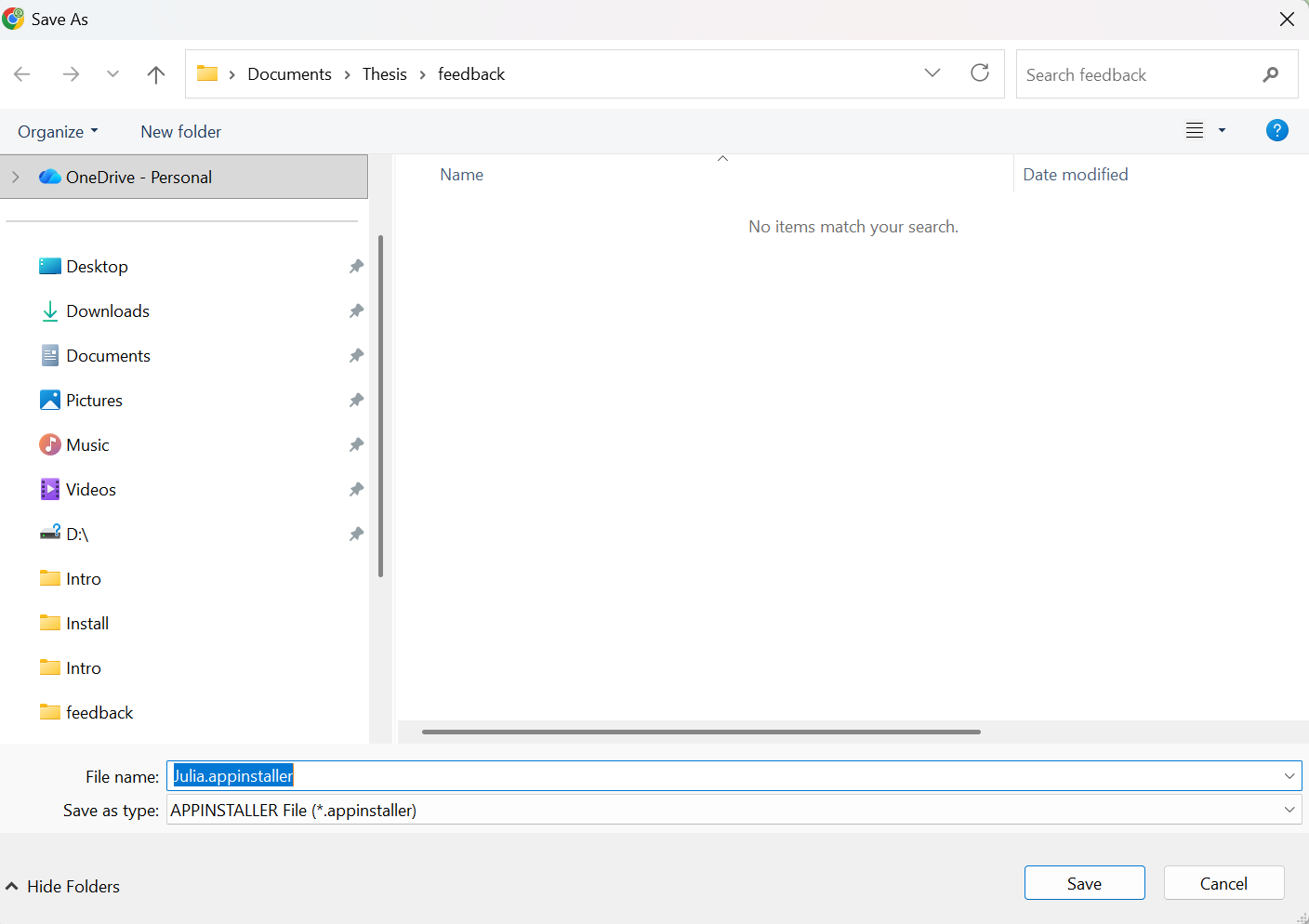
Proceed to download the installer, and once downloaded, run it.
Proceed with the installation
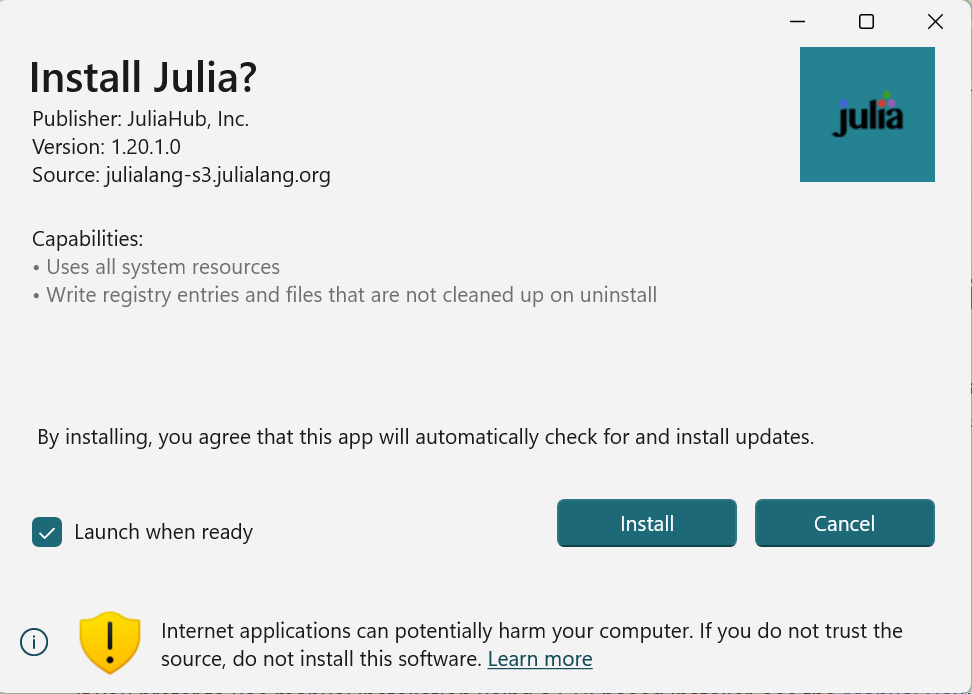
Wait for the installation to complete
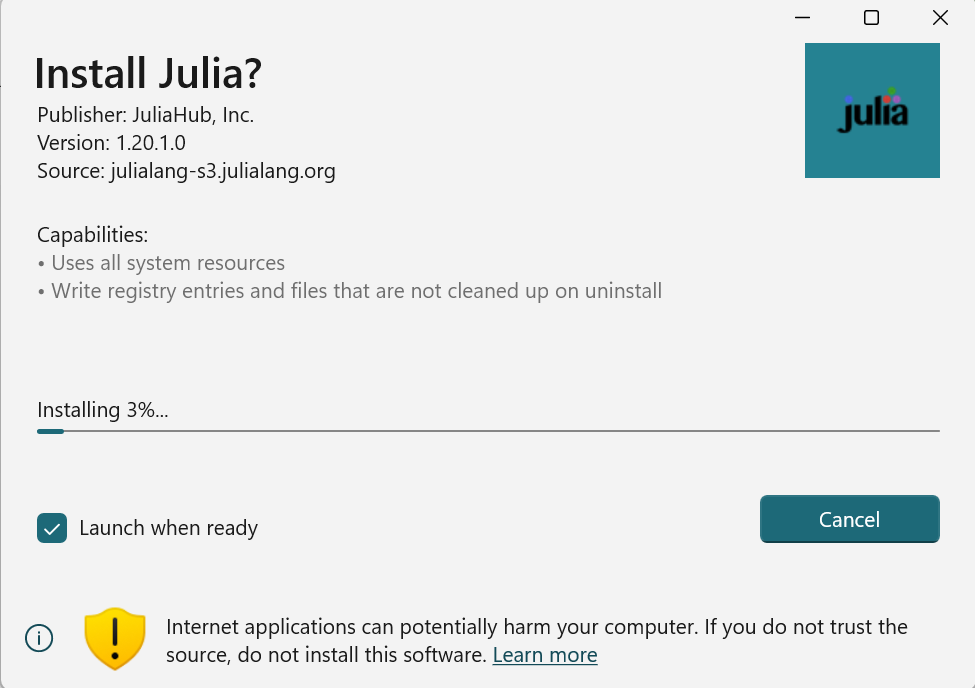
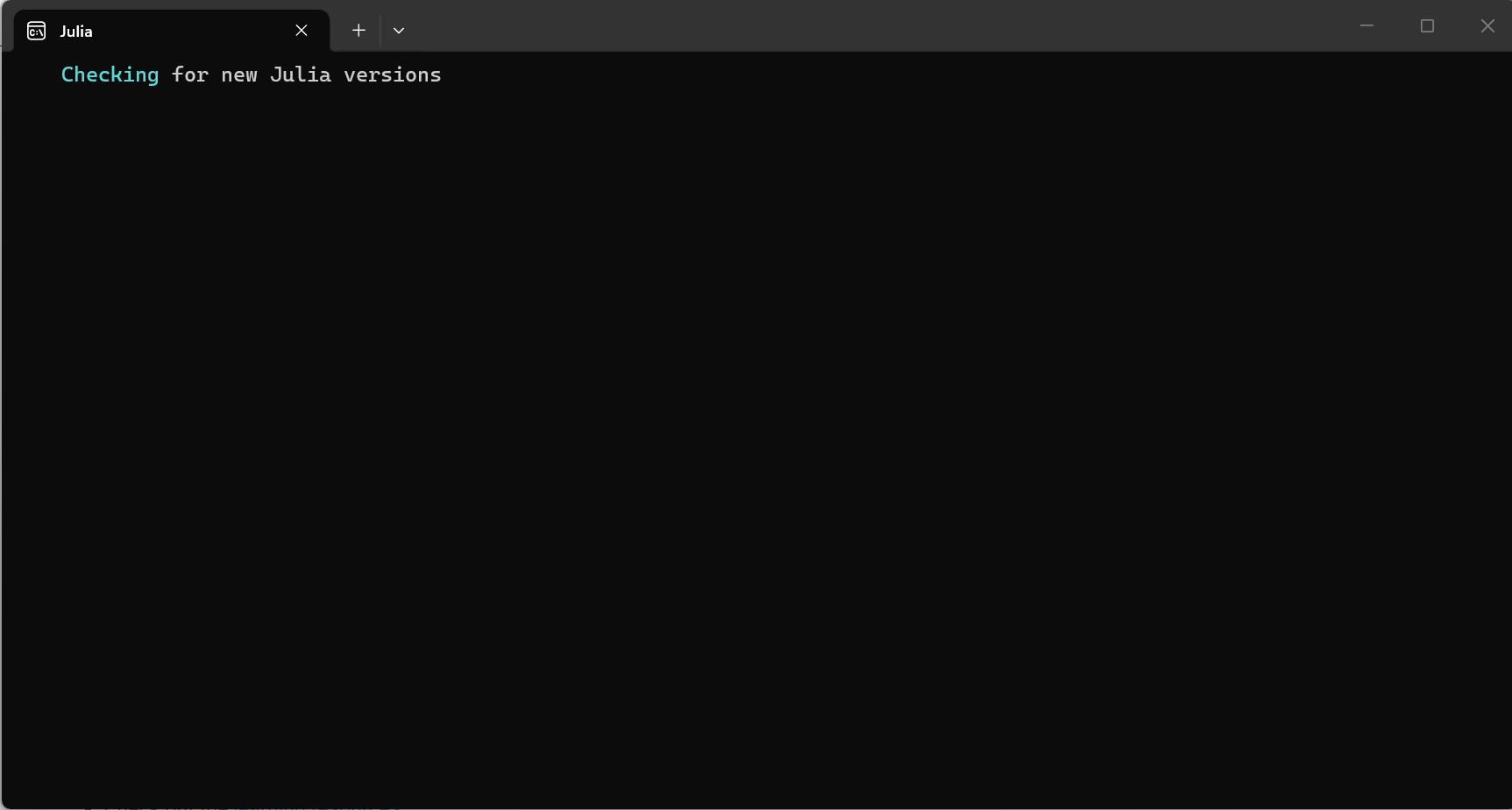
After completion, the installer proceeds to open Julia and check for updates.
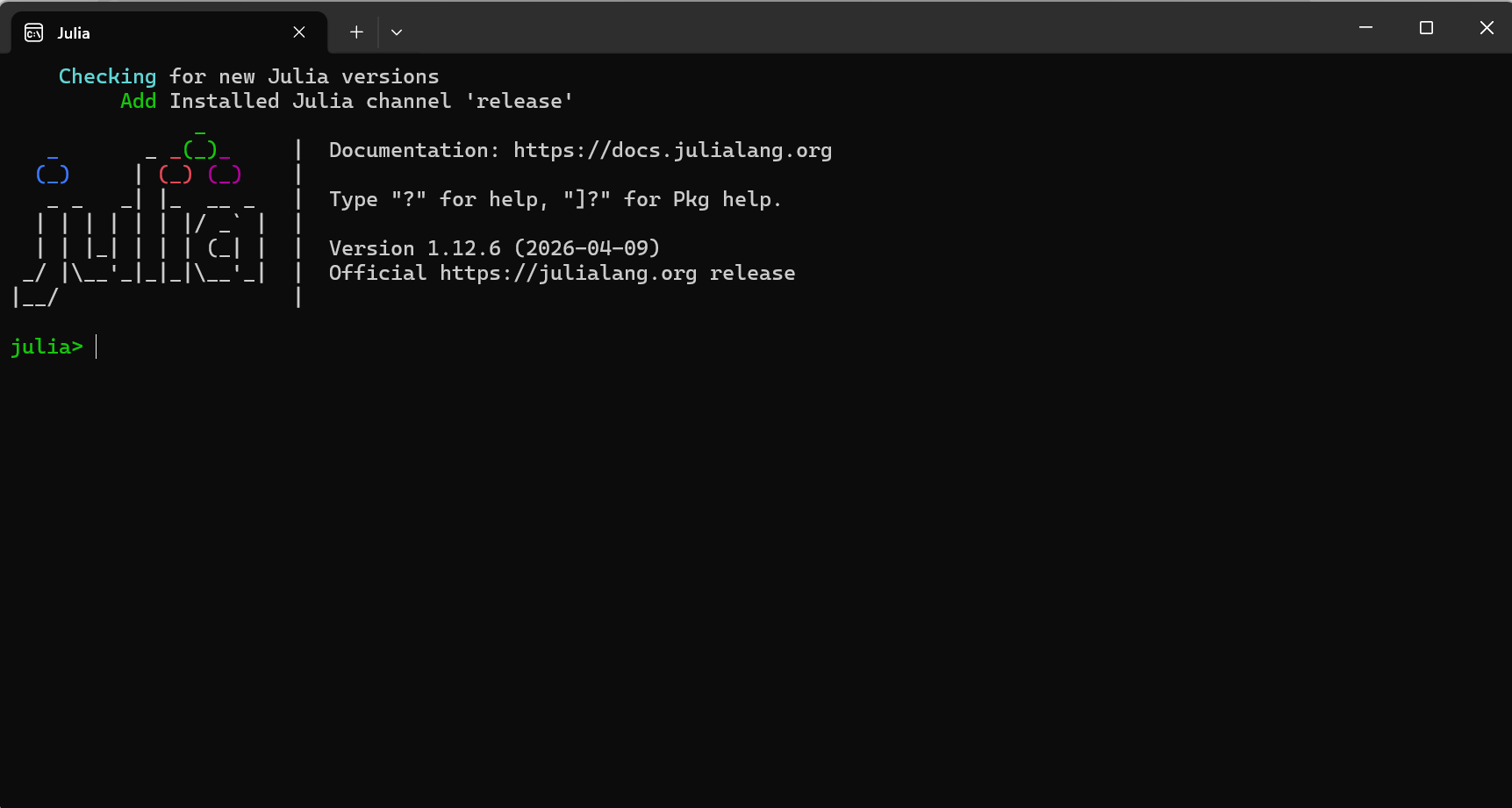
You should see the Julia splash screen if everything installed correctly.
MacOS or Linux
When using either a MacOS or Linux operating system, the Julia website will route you to this webpage, with instructions on how to install Julia via your terminal.
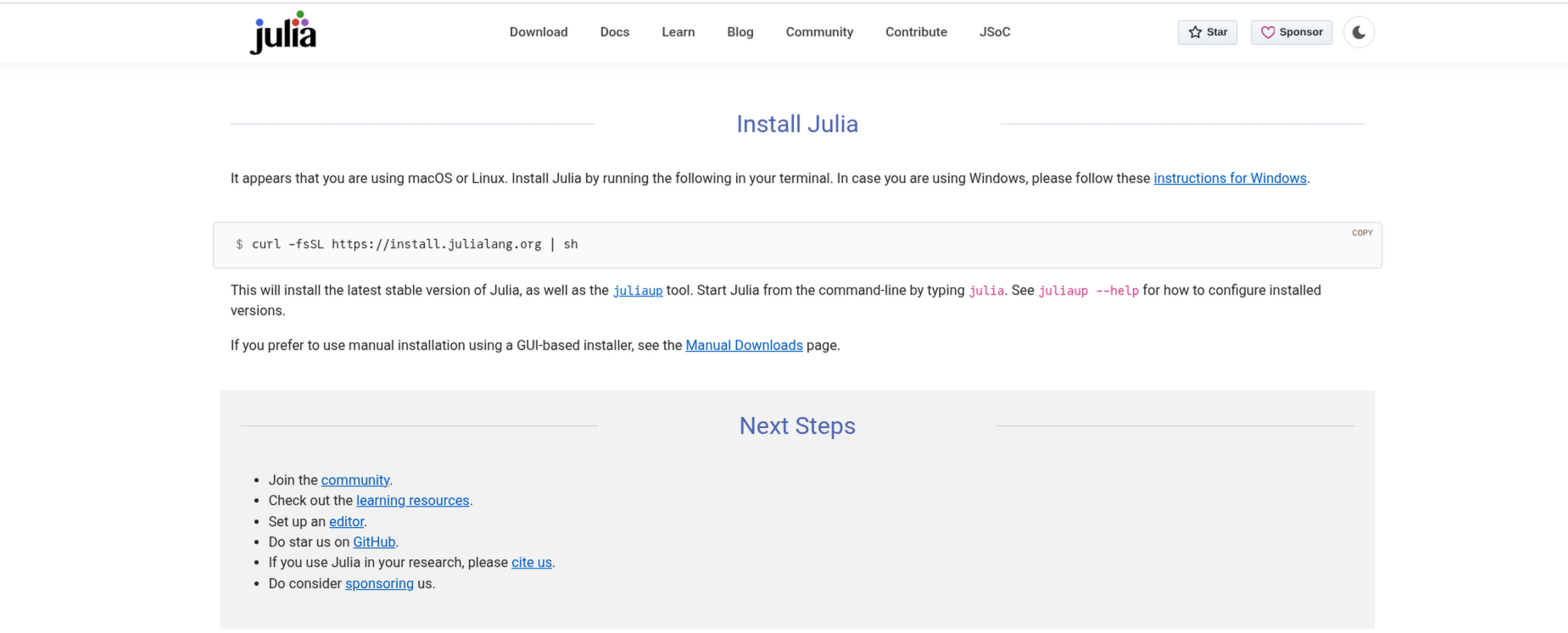
Proceed to copy and run the following line of code in your terminal
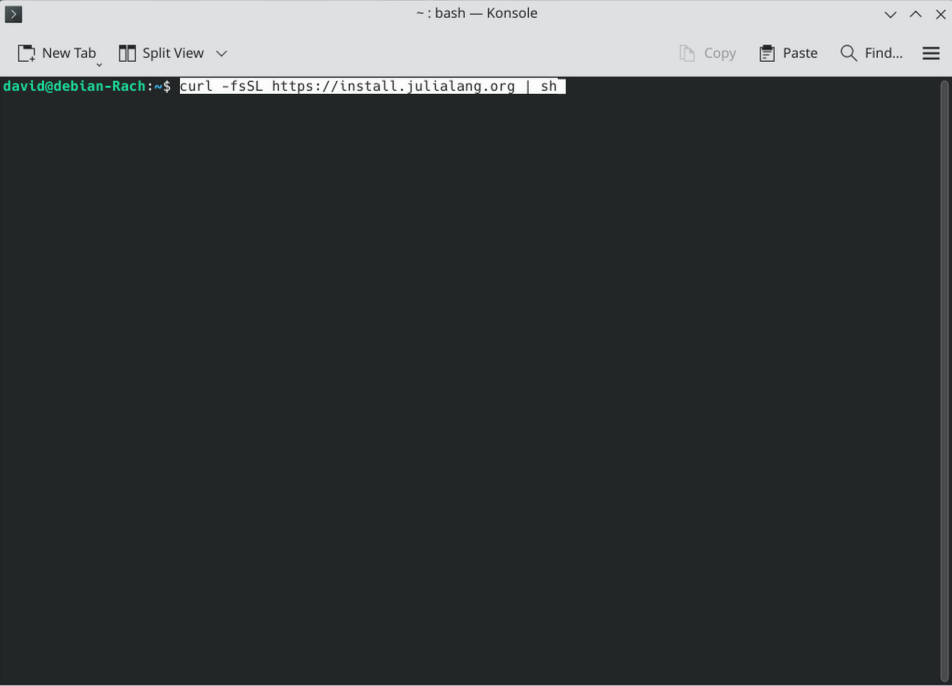
A dialogue tree similar to the one pictured below will then appear, describing what will be installed, where, and a few additional details. When ready, proceed with the installation.
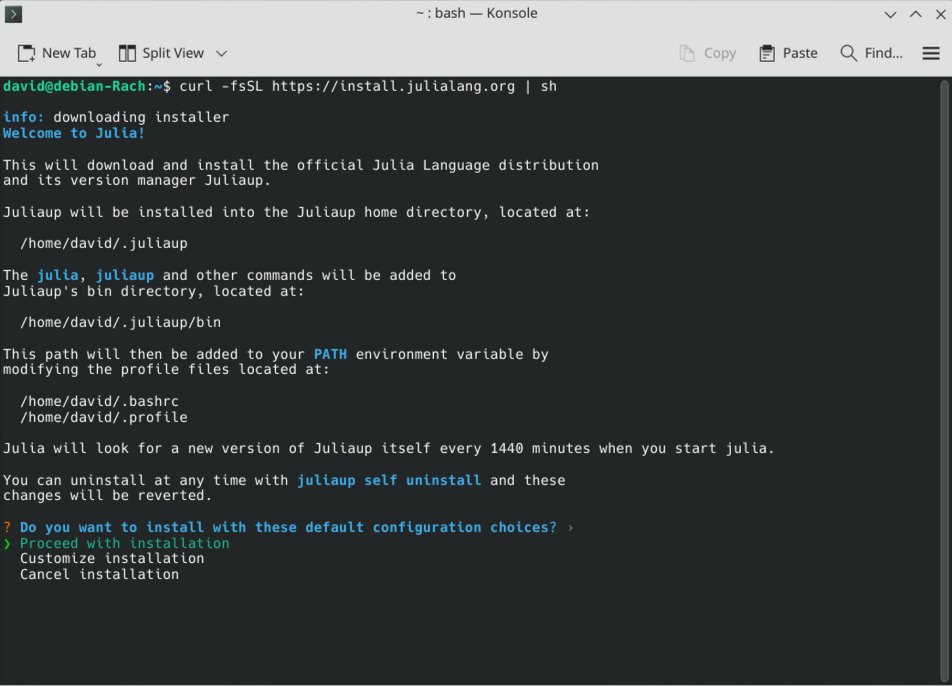
The installation and download will then proceed.
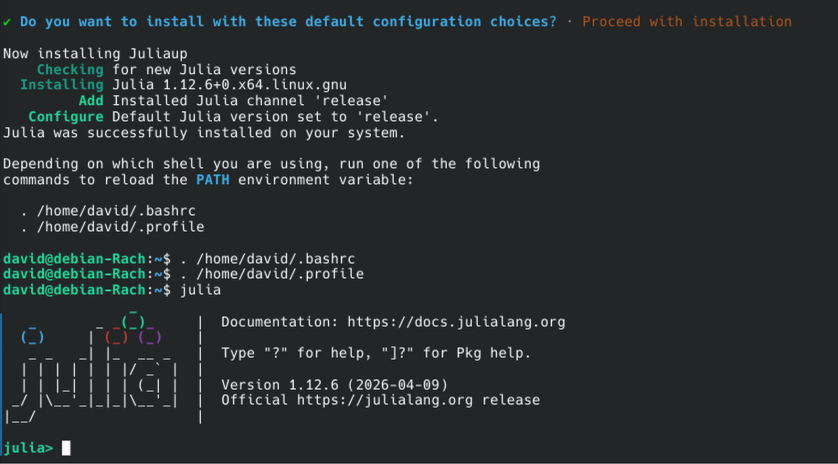
Upon successful installation completion, you will see the following prompt. Run the lines of code to reload the path environment, before entering the julia in the terminal to make sure you can start a julia session.
Proceeding
At this point, you are ready to proceed with the rest of the TRU-OLS walk-through. Click here to be redirected.

