

Cytometry in R is a free weekly mini-course being offered both in-person and online by the Flow Cytometry Shared Resource staff at the University of Maryland Greenebaum Comprehensive Cancer Center. Its primary audience is for those with prior flow cytometry knowledge, who have limited previous experience with the programming language R. However, we welcome everyone regardless of their existing flow cytometry or coding experience.
This course is a passion project arising from our desire to contribute back to the community. We are excited that so many of you have chosen to sign up, and look forward to helping you get started on your own learning journeys.
For more information on topics-covered, please see our schedule. Course materials can be found here or via the Course tab in the navigation bar. The livestream recordings are available via YouTube
About
Motivation
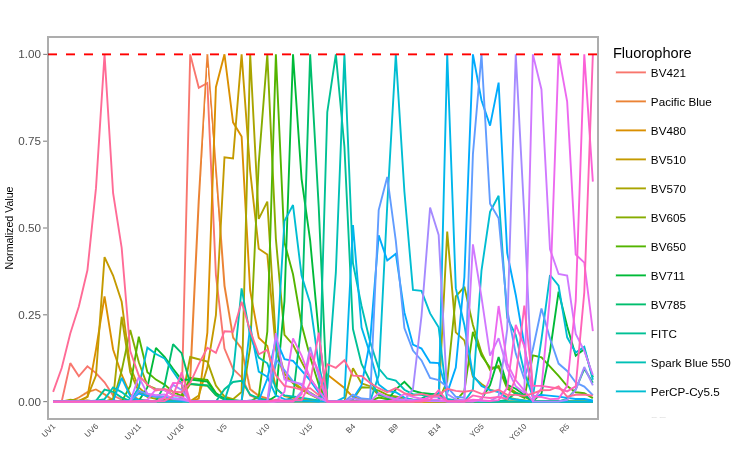
While many cytometry enthusiast express an interest in learning how to carry out flow cytometry analyses in R, they often do not know where to start. Additionally, many of the limited existing resources are focused towards users with intermediate bioinformatic skills, contributing to a greater barrier for entry for those just starting out. Our motivation in offering this mini-course tailored towards beginners is to make the learning journey smoother than the one we ourselves experienced.
While designing the course, we kept the following concepts in mind:
Beginning coders benefit both by having detailed examples that they can initially work through on their own time, as well as less defined problems that through troubleshooting enable the acquisition of the thought-process and skills needed for coding.
Some topics will take individuals a longer time to fully grasp. Providing a format and resources that enable being able to revisit the material multiple times is incredibly helpful. Likewise, life is busy, and missing a workshop session is highly probable. If this happens, it shouldn’t make or break the ability of the individual to understanding the rest of the course.
Consistency is key, and being able to apply what you are learning to your own datasets, files, and questions of interest helps achieve this.
Course Details
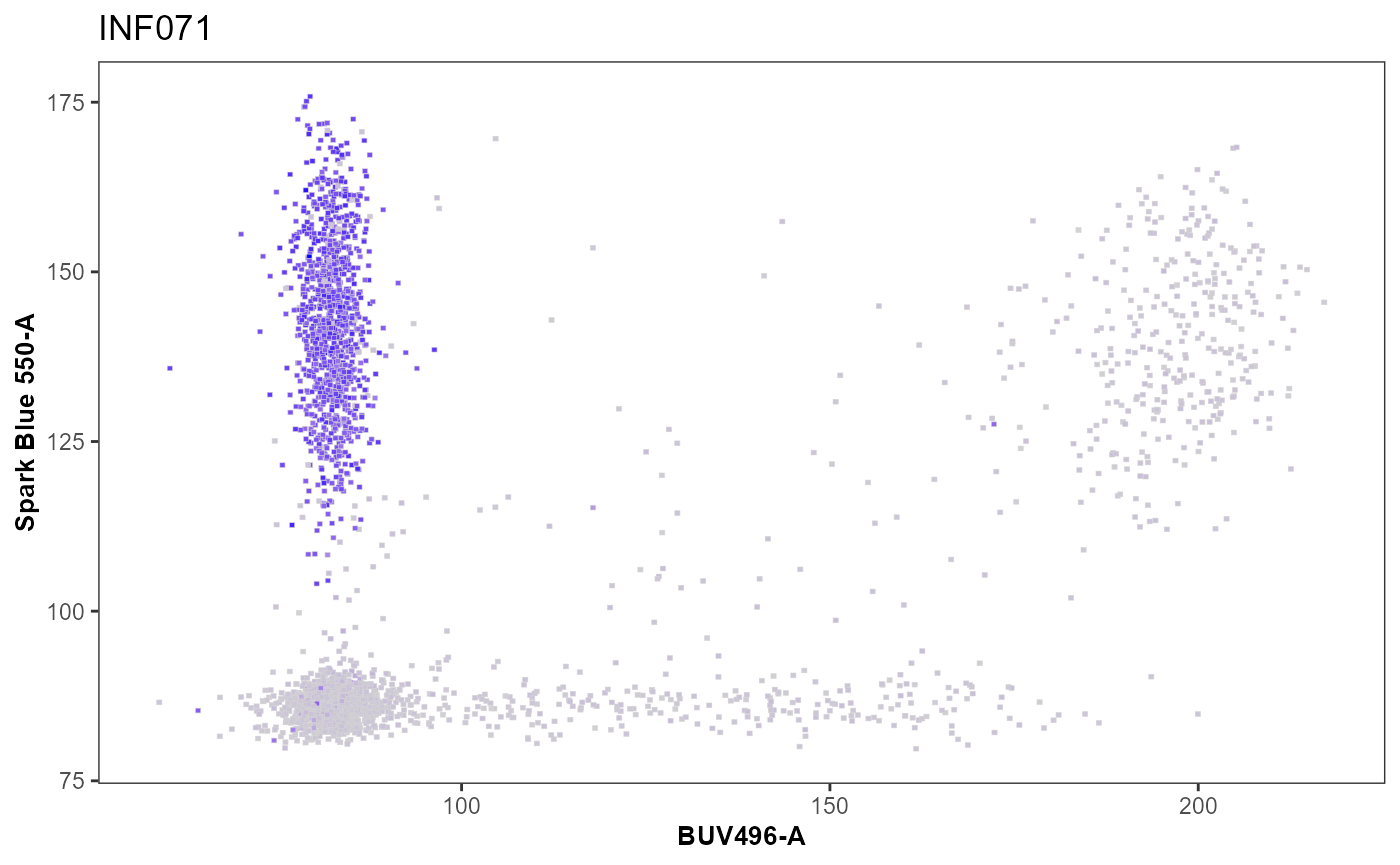
Each week, the mini-course will cover a particular topic for an hour. This individual class is offered on multiple days, at different times, both in-person and online. We invite you to attend the one that best fits your schedule each week. If life gets busy and you can’t make regular day, the online livestream recordings will be available on YouTube.
Course Materials
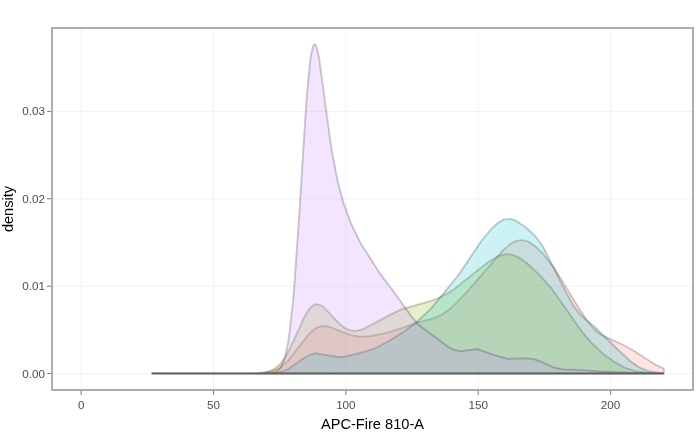
We will release the course materials for the upcoming week on Monday 1700 EST (Monday 2200 GMT+0) via our course website and GitHub. These materials will normally be Quarto Markdown documents containing code, explanation, and other resources needed for that week. If you have your own data, you can use your own data! If you don’t have any data, we will make sure to provide some of our own available data for each lesson so that you can use it and be able to follow along.
In our commitment to open-source and open-science, all teaching materials are freely offered under a CC-BY-SA license, while all code examples are offered under the AGPL3-0 copyleft license.
In-Person (Baltimore)
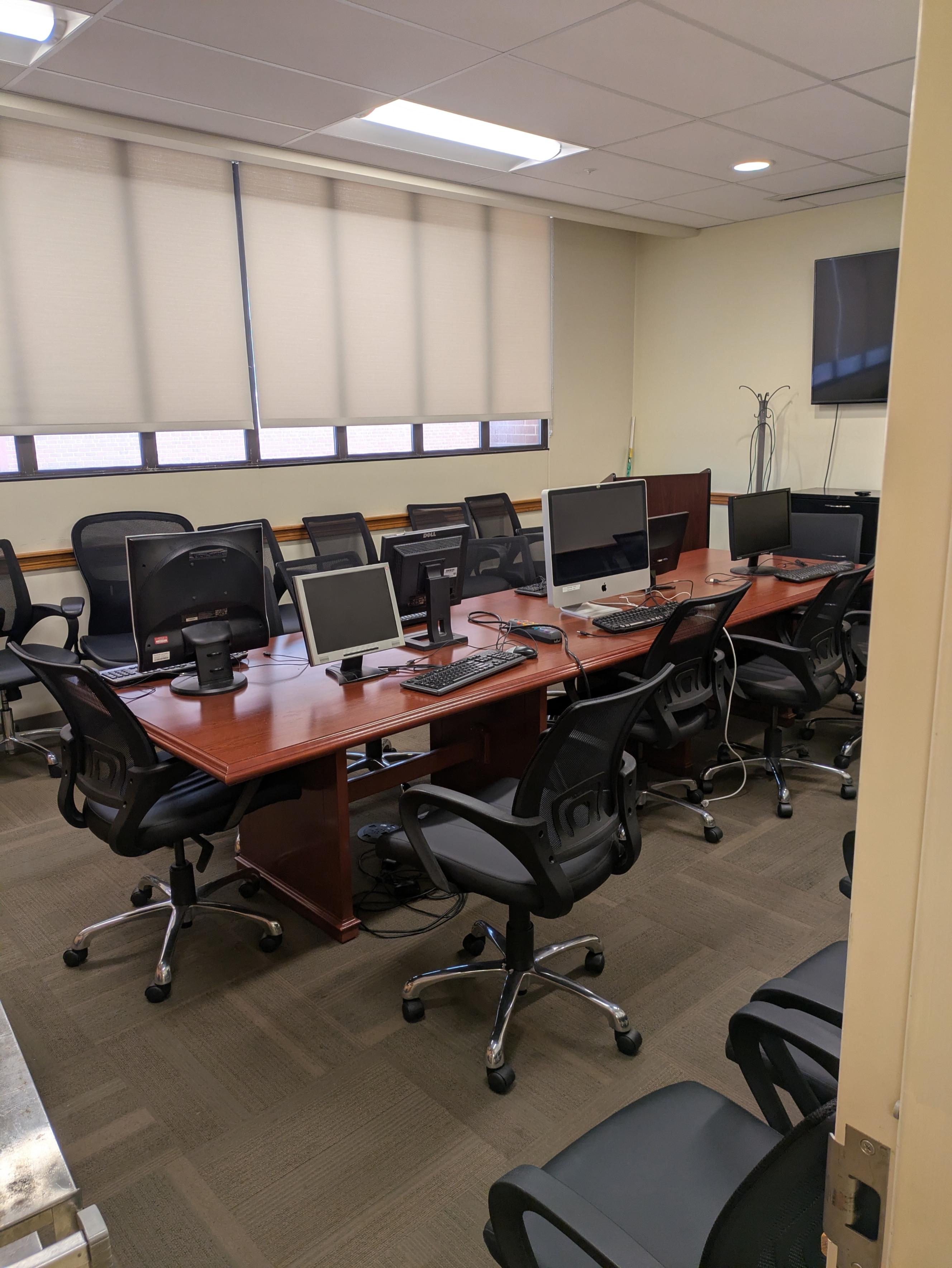
For those who are local and attending in person, the class will be offered on Thursday from 4-5 pm EST in Bressler Research Building Conference Room 7-035 (around the corner from the Flow Core).
If you have your own laptop, feel free to bring it. If you don’t have a laptop, please reach out, the Flow Core has 6 laptops running Linux that we can lend out to participants for use during the session.
For those who arrive early, we will have a limited number of second screens with provided mouse and keyboard that you can plug a laptop into via HDMI cable to set up a larger workstation. For those arriving later, the room has enough space (and electrical plugs) for up to 20 people, but you will need to balance a laptop on your lap.
Online (Worldwide)
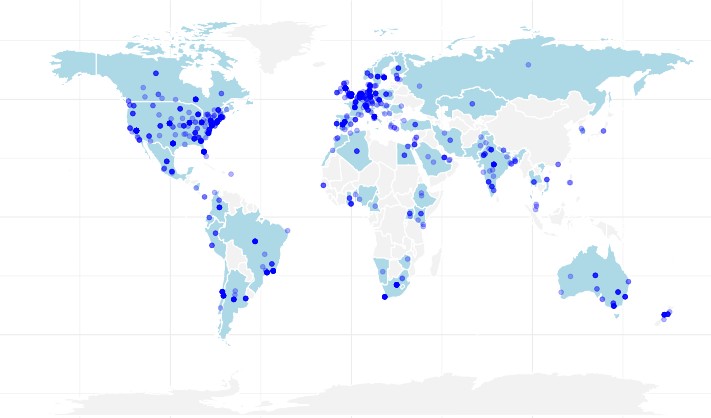
For those joining us virtually, we will have three separate livestreams throughout the week on YouTube. These will be offered on:
- Tuesday 2200 EST (Wednesday 0300 GMT+0)
- Wednesday 1600 EST (Wednesday 2100 GMT+0)
- Thursday 1000 EST (Thursday 1500 GMT+0)
Recordings
All three livestreams will be recorded and available on YouTube immediately afterwards. Our plan is to eventually circle back after the course and properly edit them (ie. less minutes of random background noise, highlighting the relevant lines of code, time-stamps, subtitles, translations, etc.) later on as time allows, so that they can serve as a more permanent resource.
Discussion Forum
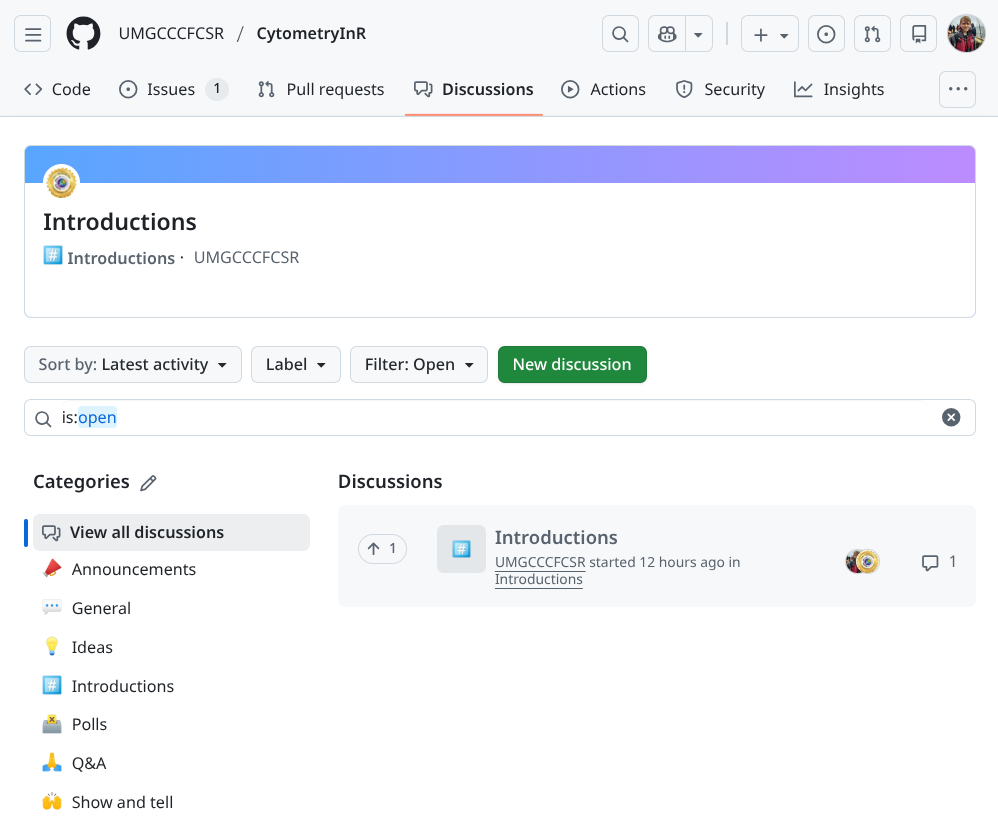
We will be using our GitHub Discussions page as a community forum. This will allow us to answer questions, and benefit from insights from others in the community. One advantage of having so many people signed up for the course is that if you have a question, someone else likely does as well, so go start a post and ask it!
Optional Take-Home Problems
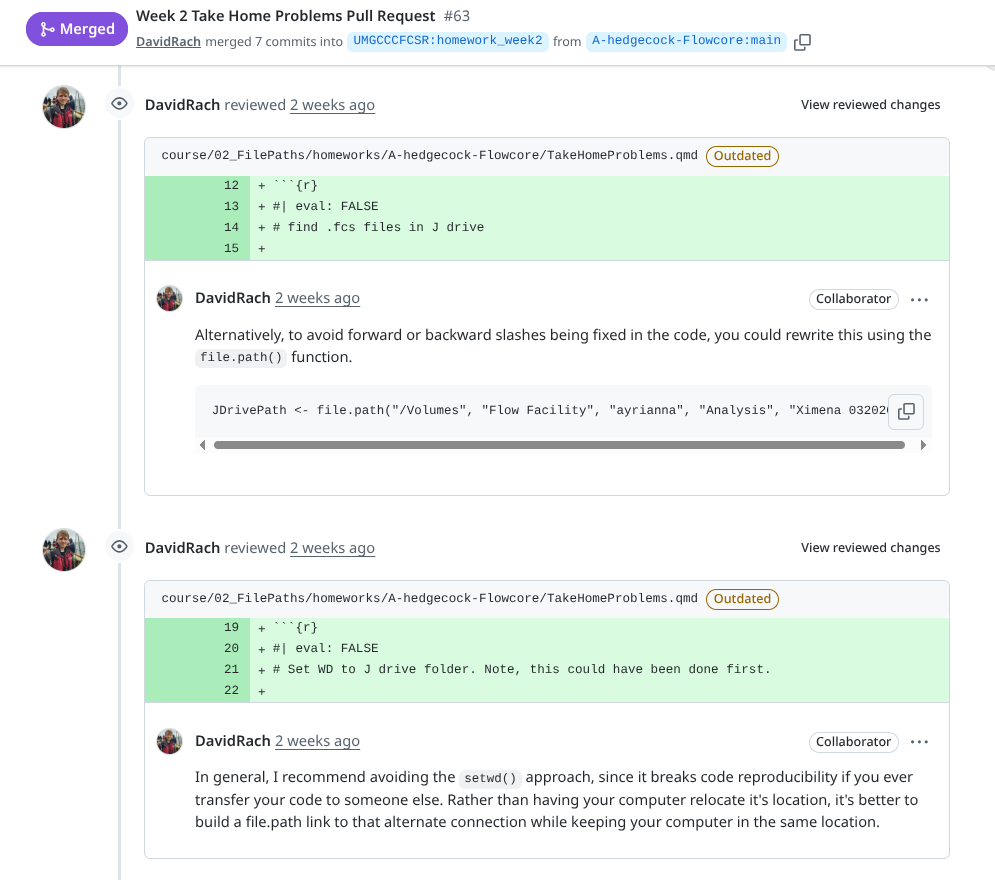
Each week, we will offer optional take-home problems. These are intended to allow you to work with your own data on similar problems, but in a not-so-structured manner. Challenges that you and overcome during the process will help grow your problem solving and debugging skills, and help solidify concepts covered during the course.
To get feedback on these problems, you can reach out to the community on the Discussions page, or once far enough open a pull request to the homework branch and we will provide additional feedback.
Cost
Is there a cost to participate? No, it’s absolutely free! Is there a catch? Yes, you learn R, and may wind up with strong feelings about flowframes vs. cytoframes. This is also our first year offering this course, so we will sporadically ask you to fill out a feedback forms to help us improve.
Computing Requirements

For those attending online, you will need a computer with internet access. Operating system shouldn’t matter, as we will be offering code examples for Windows, Mac and Linux. As with all things flow-cytometry software, having a faster CPU with multiple cores, more RAM and greater storage space is generally helpful, but not a deal breaker.
You will need to be able to install the required software (R, Rtools, Positron, Quarto, and Git) as well as install and compile R packages from the CRAN and Bioconductor repositories (as well as a few GitHub-based R packages). Installation walkthroughs for each computer operating system can be found here.
For those using university or company administered computers, please be aware that you may not have the necessary permissions to install these directly, and may need to reach out to your IT department to help get these initial requirements set up. If you are using your own computer, congratulations, you are your system administrator, and should already have the necessary permissions.
For those attending in-person, we have set up a pop-up computer lab in the conference room. For those who arrive early, we have a limited number of second screens with provided mouse and keyboard that you can plug a laptop into via HDMI cable to set up a workstation. For those arriving later, the room has enough space (and electrical plugs) for 20 people, but you will need to balance a laptop on your lap. If you have your own laptop, feel free to bring it. If you don’t have a laptop, the flow core has 6 loaner laptops running Linux that we can let participants use for that session.
License
In our commitment to open-science and open-source, all teaching materials are freely offered under a CC-BY-SA license, while all code examples are offered under the AGPL3-0 copyleft license.

